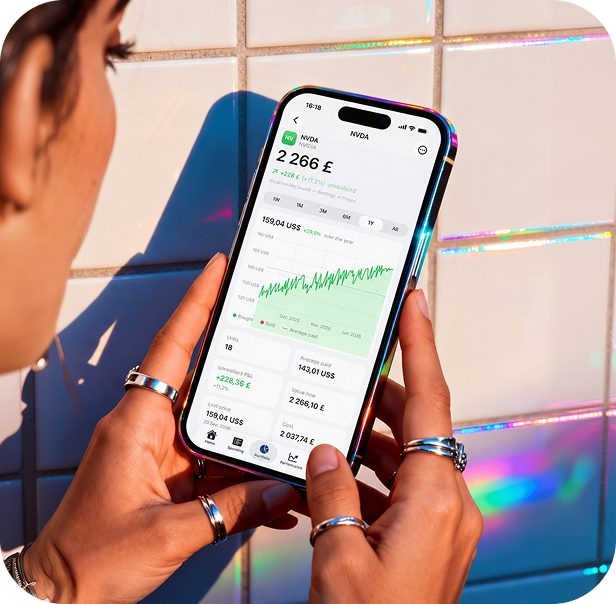
Portfolio and performance
Holdings across every account, average cost and gains, and a money-weighted return set against an index — on the money you actually had working.
Vartu is a personal finance app for iPhone that keeps spending, investments, pensions and property in one place — imported from your own statements, worked out on your phone, and never uploaded anywhere.
Where it went this month, what is left until payday, what you own, and whether it is beating the market.
Holdings across every account, average cost and gains, and a money-weighted return set against an index — on the money you actually had working.

Import CSV or PDF from any bank or broker: you pick the columns once and Vartu remembers. Trading 212, Interactive Brokers, Monefy, Moneyhub, Emma and Snoop exports come in with their categories.
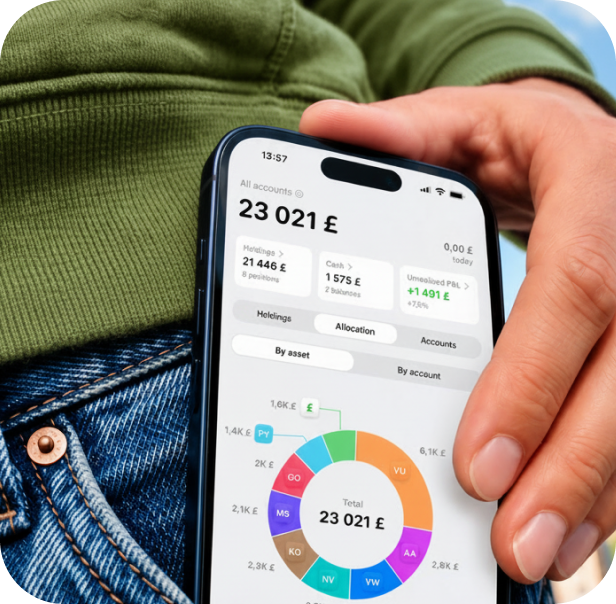
Subscriptions and bills found in your history, with the next date and what changed. What is left until payday, counted from this month's money.

Add an expense from the app, the Home Screen widget, Siri or Back Tap. Categories, tags, search, receipt scanning — each line of a receipt kept.

Your funds seen through to the companies inside them: how much of everything you hold is Apple, whether directly or in an S&P 500 tracker.

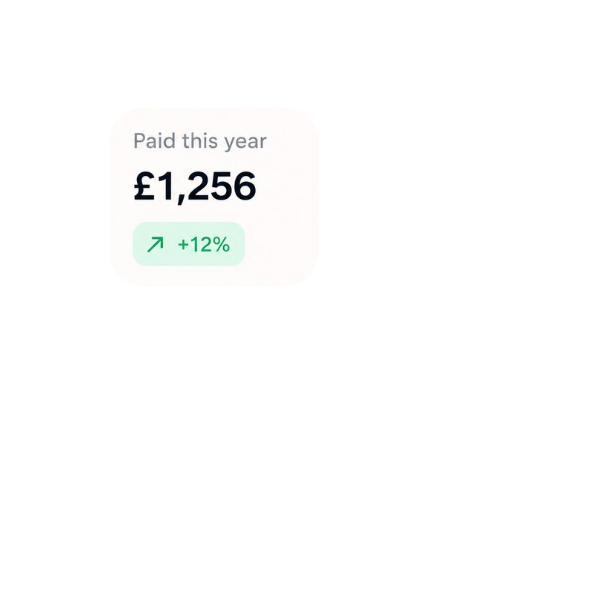
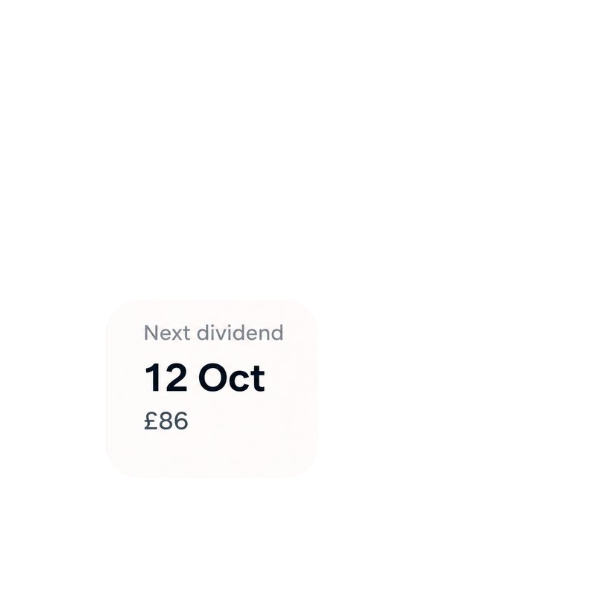
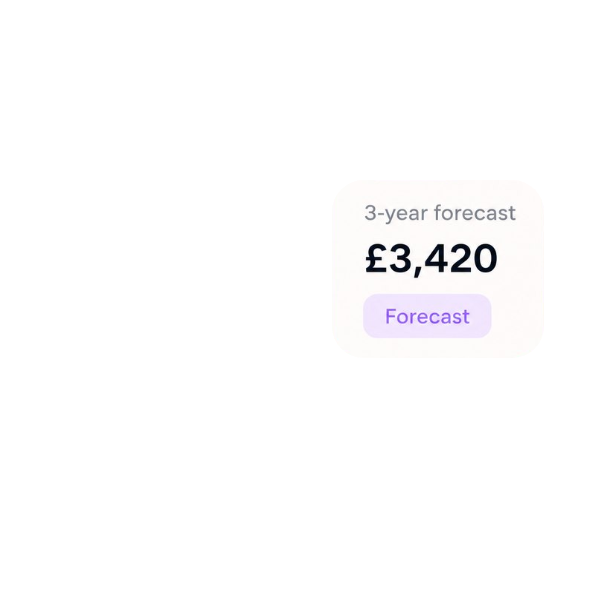
What your holdings paid and when, the dates coming up, and a three-year forecast — clearly marked as a forecast.
Most money apps are a copy of your bank account on somebody else's server. Vartu is not.
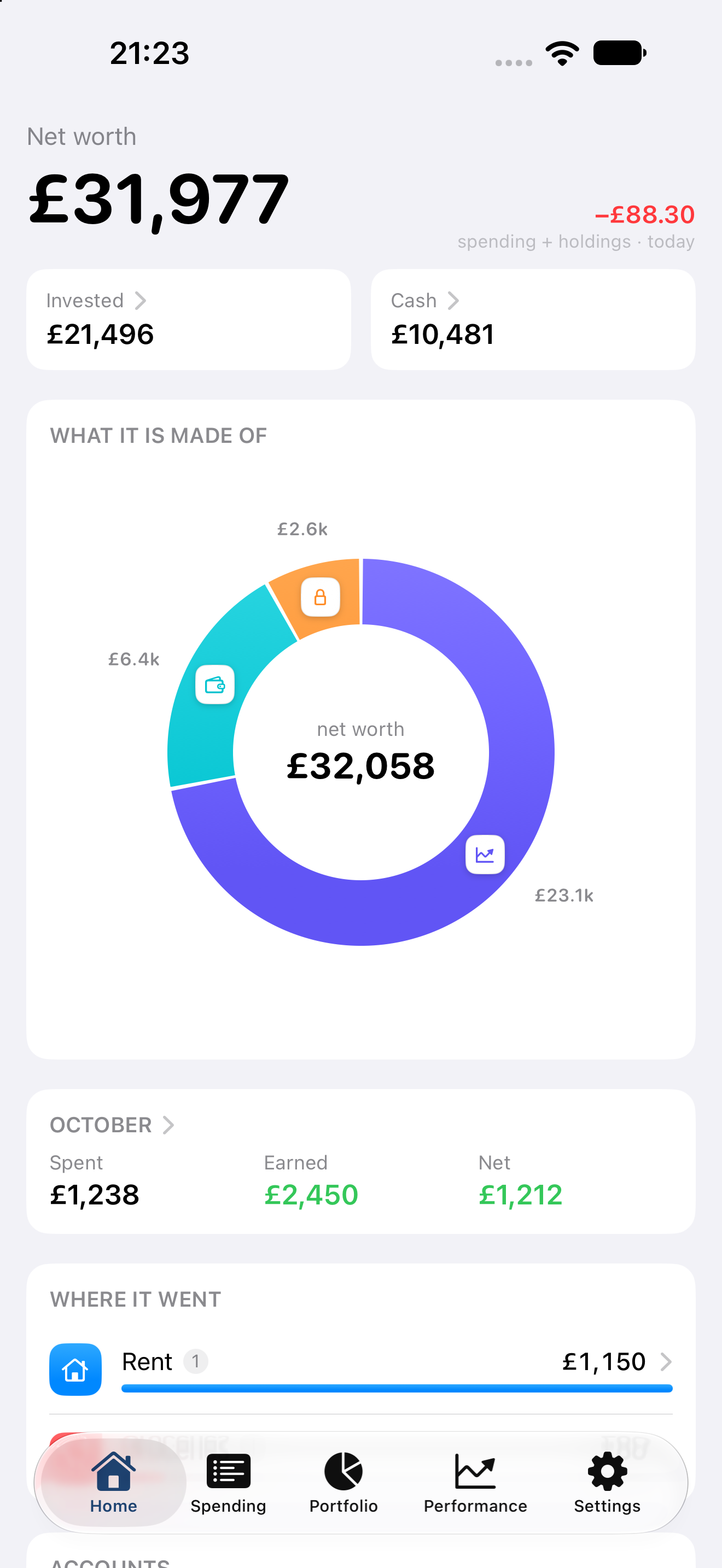

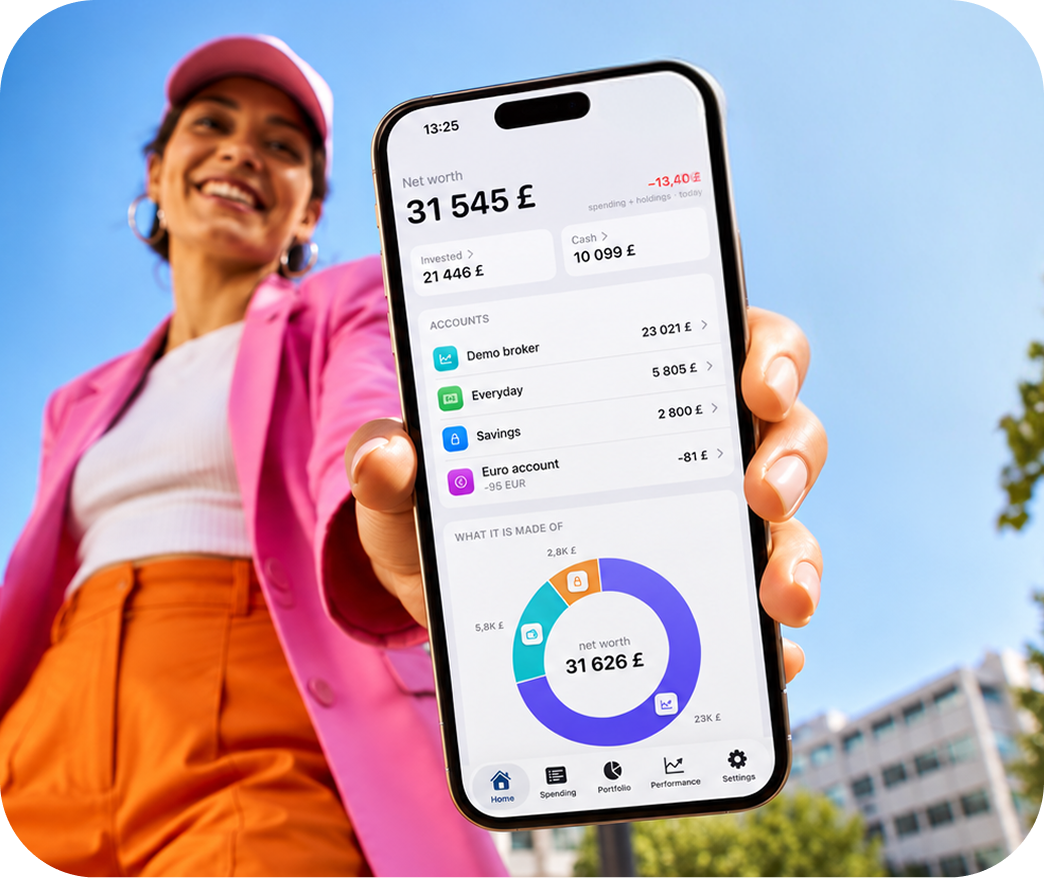
Everything lives in one file on your iPhone. The privacy policy lists every single thing that can leave the device — and all of it is optional.

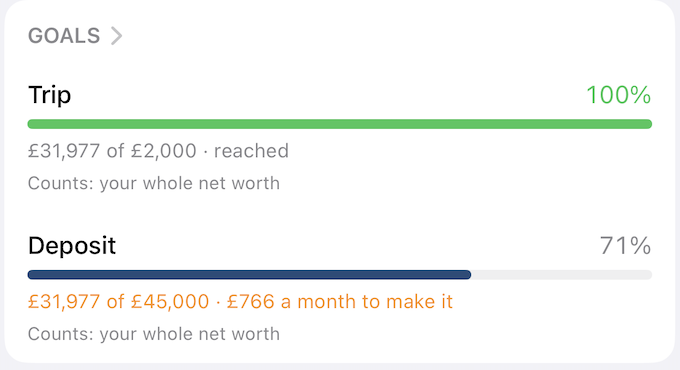
A target share for each holding with the trades that reach it, and what fund and platform fees take from you over twenty years.
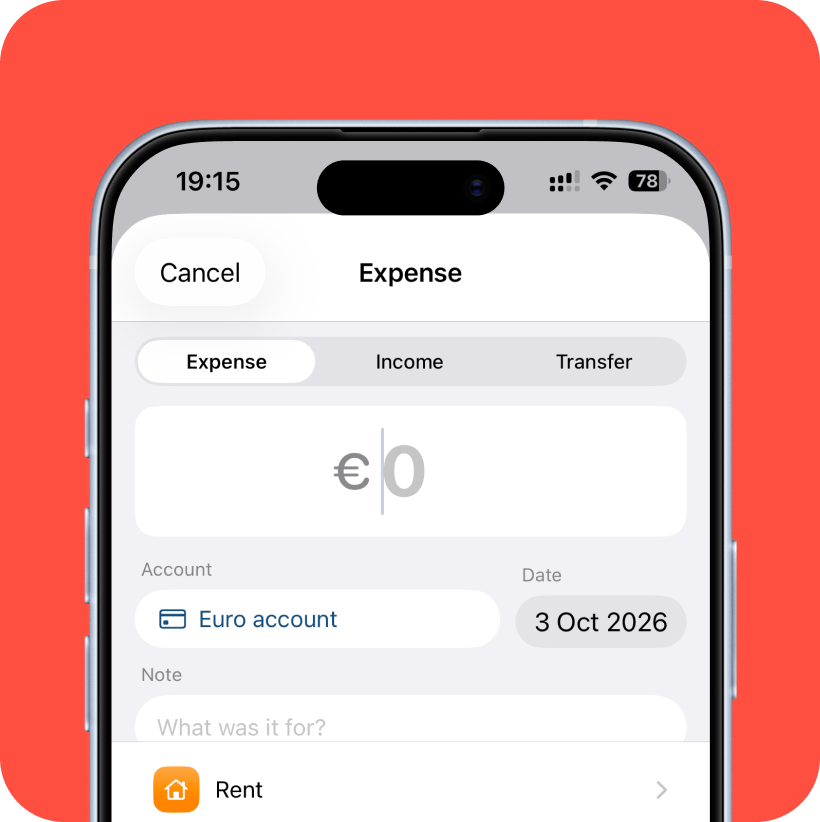
Add what you spent in the currency you paid it in — euros on holiday, dollars online. Vartu keeps it as paid and counts it in pounds at that month's rate.

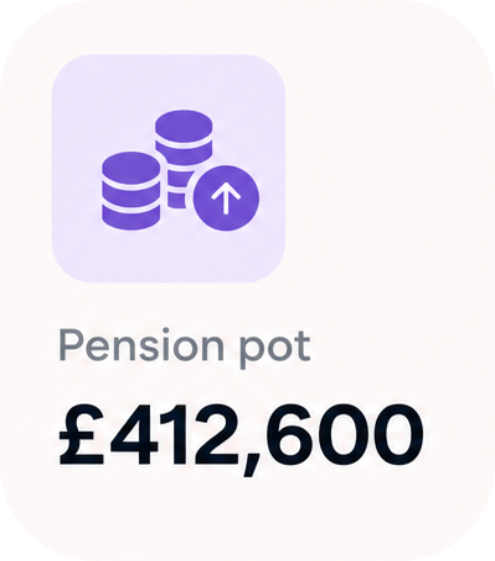
A home kept up to date by the UK House Price Index, pensions carried forward to the year you stop, and the State Pension beside them.
In one file inside the app on your iPhone. There is no Vartu account and no server holding your records, so nobody — including us — can see them.
No, on purpose. Bank connections send your transactions to a third party. Vartu imports the statements you download instead, remembers each bank's layout, and categorises what arrives.
With a free key from a price provider — Twelve Data, Finnhub or Alpha Vantage — that you add yourself. Only ticker symbols are sent to that provider; no amounts or account details.
Yes. Import the CSV you exported: every transaction keeps its category and lands in the account it names. How to move across.
Nothing you recorded is deleted, and a full export is always free. Paid features are simply locked until you subscribe again.
No. Forecasts, tax estimates and rebalancing plans are arithmetic on your own figures, and they say so. Check anything important with a qualified adviser.